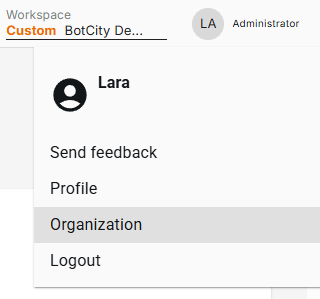
Organization
The Organization section is a dedicated area for users with the Manager and Administrator roles, where you can have overall control of the workspace:
- Preferences: General data and identification of the workspace.
- Users and Groups: Management of users, roles, permissions, and groups.
- Repositories: Linking of resources, Runners and access to specific groups.
- Account and Plans: View and manage the organization's plan.
- Audit: Inspection and control of the events performed by users.
- Resource Allocation: Distribution of Runners and automations across repositories.
Accessing the Organization
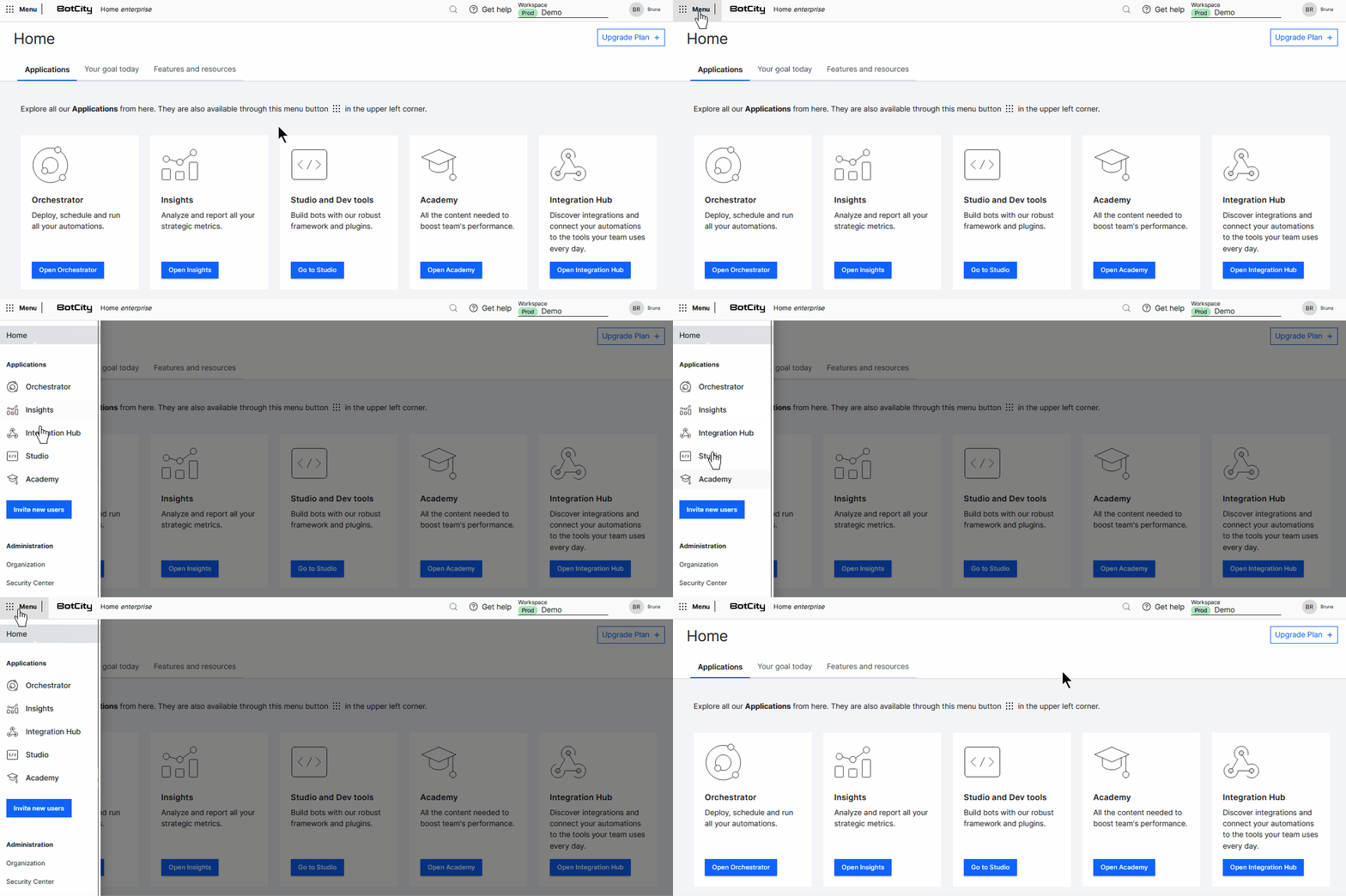
You can access the Organization through the Global Menu, located in the upper left corner of the platform.
You can also access it by clicking on Organization in the upper right menu of the platform, where your username appears: