Account and Plans
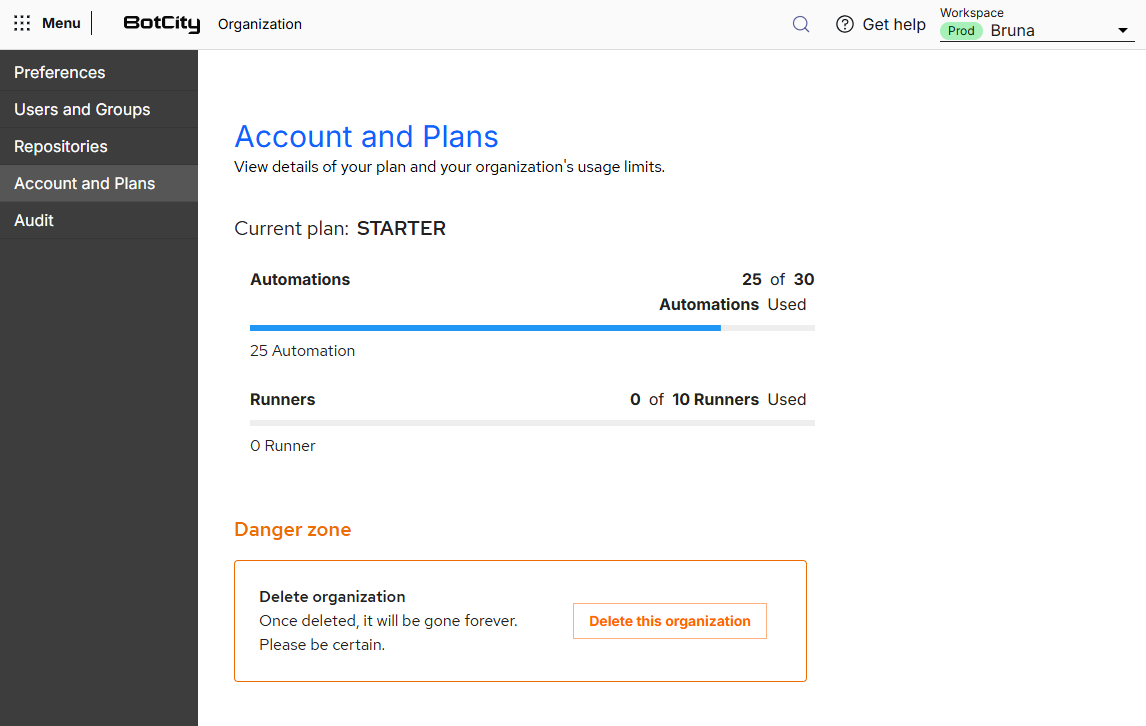
In the Account and Plans menu, you consult the plan contracted by your organization and the consumption of the limits linked to it.
This way, it is easy to see whether your plan is meeting the needs of the organization.
Current plan
The Current plan field displays the plan contracted by the organization.
Below it, each plan limit has an indicator with the amount already consumed, the total available and a progress bar:
- Automations: number of automations created in relation to the plan limit.
- Runners: number of Runners registered in relation to the plan limit.
Danger zone
At the end of the page, the Danger zone gathers the destructive actions of the organization.
In Delete organization, the Delete this organization button removes the organization and all data linked to it.
Deleting the organization is irreversible
When you delete the organization, all data is removed and there is no way to recover it.
Use this feature only if you are certain that you want to delete the organization.