Profile
The Profile area brings together your account settings on the BotCity Platform. Here you keep your data up to date, choose which Orchestrator events generate notifications for you, and view the workspace's user groups.
To access it, click your profile avatar in the upper right corner of the platform and select Profile.
Settings per workspace
The roles, notifications, and groups shown in this area refer to the currently selected workspace, shown in the upper right corner of the platform.
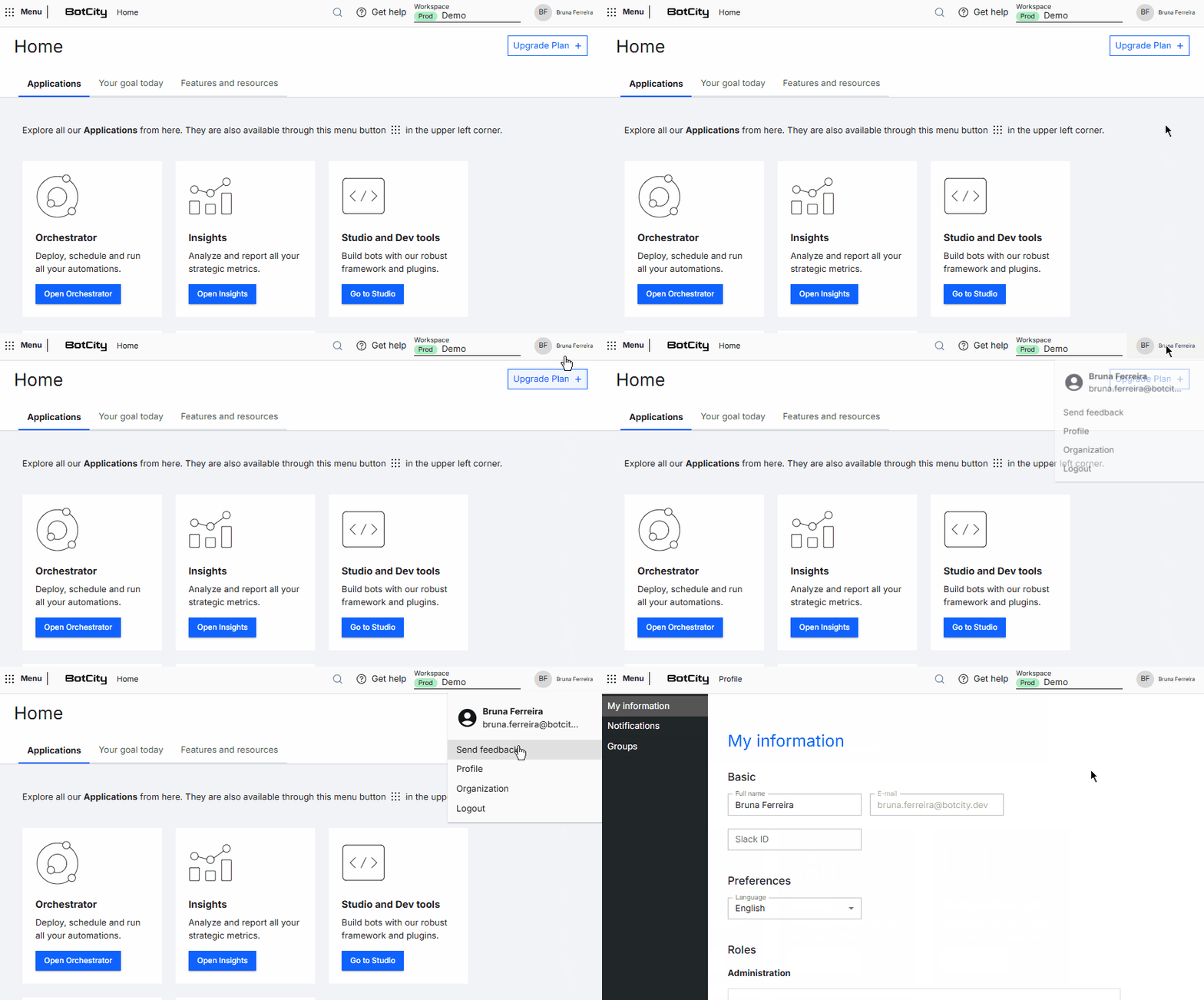
My Information
In this section you view and edit your account data, including:
- Full name, e-mail, and Slack ID
- Platform display language
- Roles in the Administration and in the products
- Access password
Notifications
In this section you enable the Orchestrator events you want to be notified about, such as:
- Task completion
- New results file
- New bot release
- New error event
- Runner offline
Groups
In this section you view the workspace's user groups, with the name, label, description, and repository of each one. Users with the Administrator role can also create and edit groups.